Free pilot accounts

Private pilot logbooks, flight planning, aircraft booking and aircraft status in one account

Trails AMS gives pilots a free account to maintain a private logbook, track flight hours, plan flights, print flight information, log flights on Trails and non-Trails aircraft, associate with multiple operators and access aircraft information where authorised.

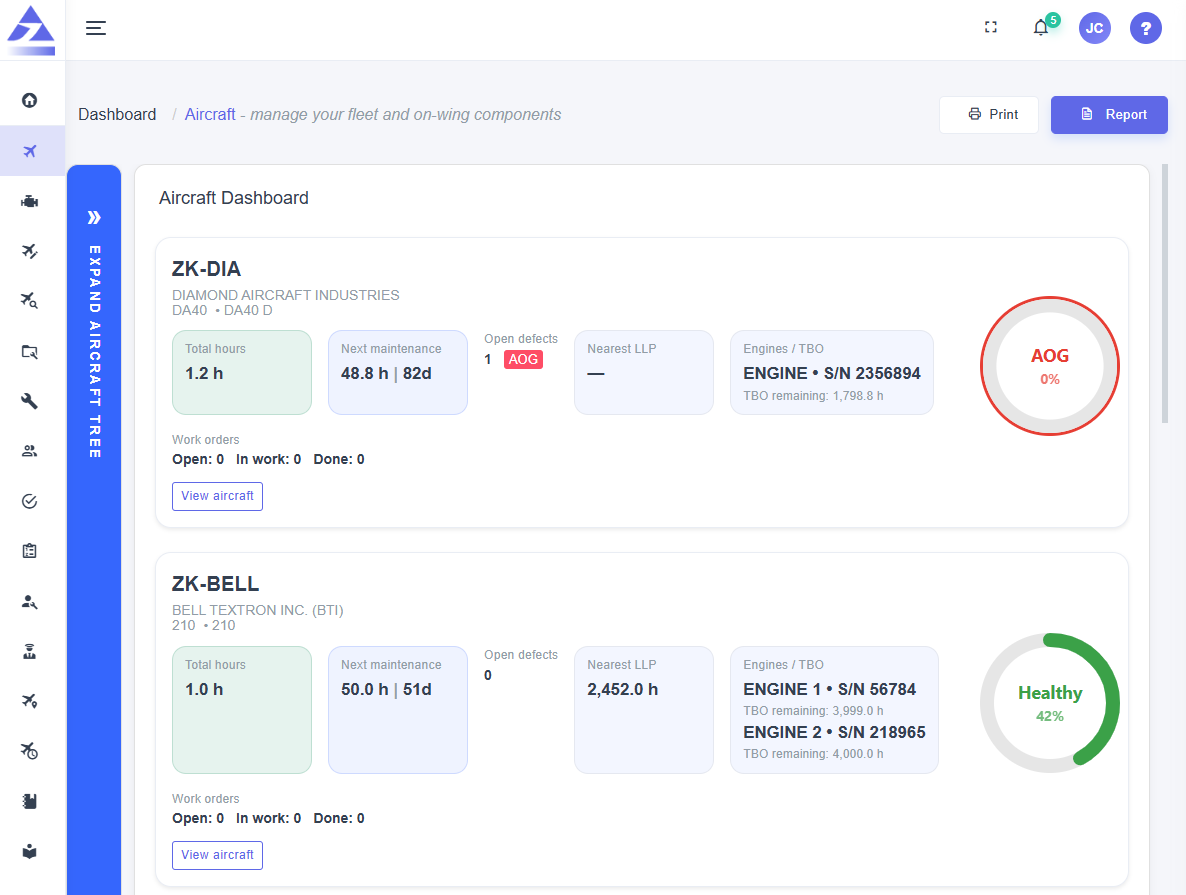
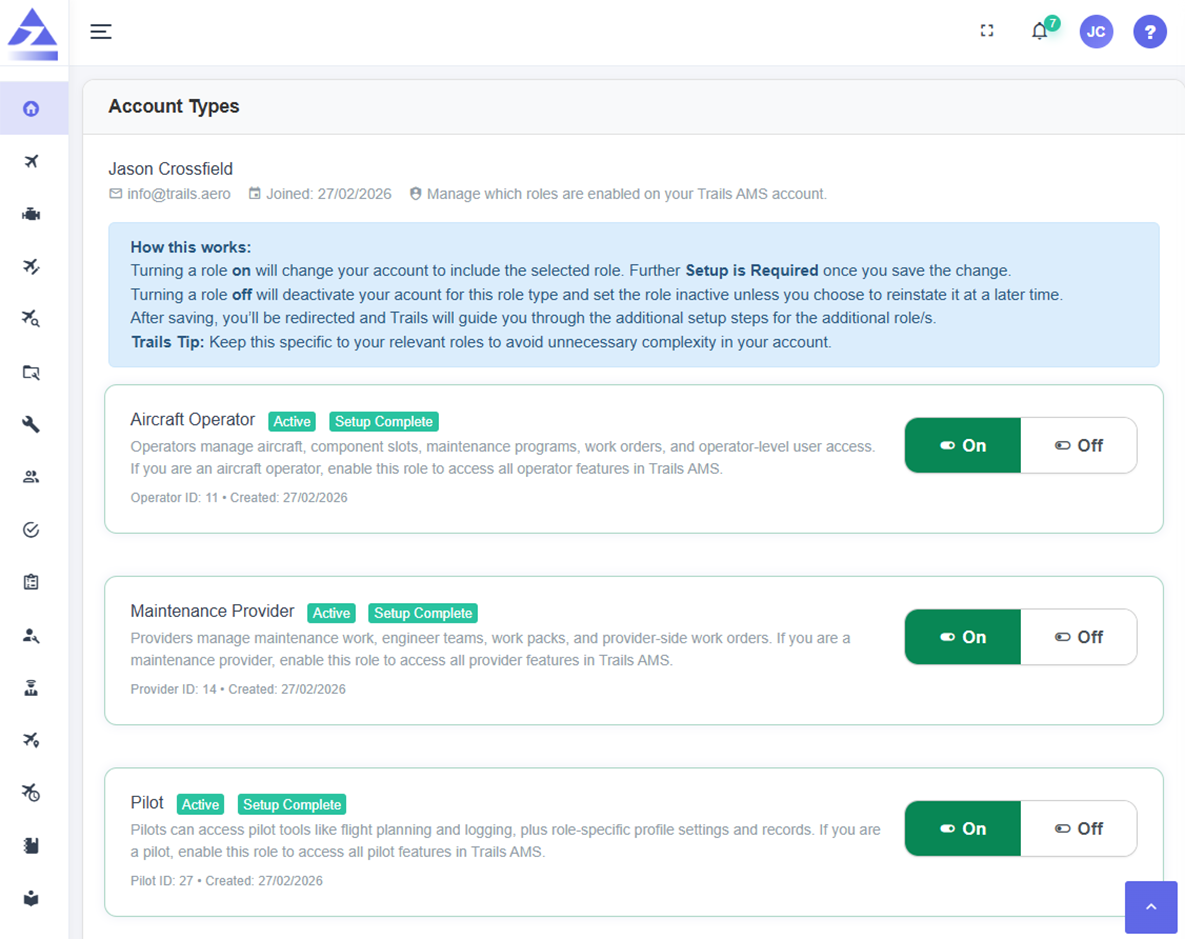
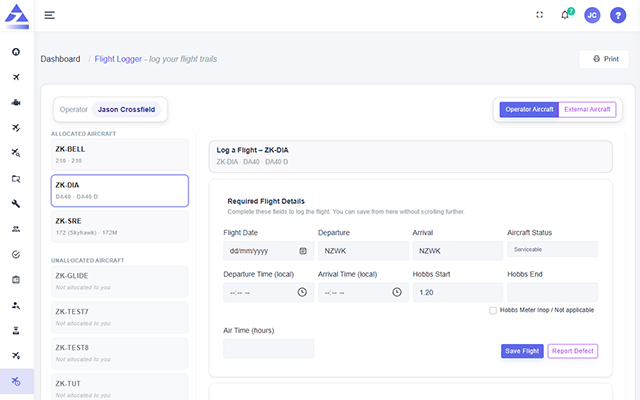
Trails AMS pilot logbook and flight planning dashboard preview Trails AMS pilot logbook and flight planning dashboard preview dark mode
Pilot account features

A pilot account that can grow with your aviation career

A Trails AMS pilot account belongs to the pilot, not only the operator or school. Pilots can keep private records, associate with multiple operators and carry their account forward as their training, employment and flying opportunities change.

Free pilot account

Maintain a pilot profile and private logbook without needing to be tied to only one operator.

Private pilot logbook

Keep your own private flight records and build a logbook that can continue with you throughout your career.

Customisable flight planner

Prepare flight information before departure and print a copy to take with you on the flight.

Aircraft calendar access

Book flights and view aircraft availability where you are authorised by the aircraft operator.
Pilot logbook

Track flight hours with useful filters and aircraft-type visibility

Pilots can maintain their own private logbook and review flight hours across categories that matter during training, currency tracking and career progression.

Log Trails and non-Trails aircraft

Record flights on aircraft managed inside Trails AMS and flights completed on aircraft outside the Trails system, helping pilots maintain a more complete private logbook.

icon
Log Trails aircraft flights
icon
Log non-Trails aircraft flights
icon
Keep personal flight history together

Filter flight hours by category

Review flight hours using filters for PIC, dual, night, IFR and simulator time, with visibility by aircraft type.

icon
PIC flight hours
icon
Dual, night, IFR and simulator hours
icon
Aircraft type filtering

Carry your account forward

Your pilot account can stay with you as you graduate, change operators, build experience and continue your aviation career.

icon
User-centric pilot account
icon
Private logbook ownership
icon
Career-continuing records

Associate with multiple operators

Pilots can be connected with multiple aircraft operators, supporting real-world flying, training, employment and contract relationships.

icon
Multiple operator associations
icon
Operator-controlled aircraft access
icon
Pilot account remains independent
Flight planning tools

Plan, print, fly and log from a connected pilot workflow

The Trails AMS pilot workflow helps turn flight planning into useful flight records while supporting both operator-connected aircraft and private pilot logbook use.

Customisable flight planner
icon
Pre-flight planning
icon
Pilot-controlled flight information
icon
Customisable planning workflow

Prepare flight details in a planner that can be customised around the information the pilot wants to carry.

Printable flight plan information
icon
Print flight information
icon
Carry planning details
icon
Paper support when useful

Print flight information before departure so pilots can take key planning details with them on the flight.

Flight logging
icon
Log completed flights
icon
Pilot logbook update
icon
Aircraft activity support

Log completed flights and keep flight records connected to the pilot logbook and aircraft activity where applicable.

Aircraft booking calendar
icon
Book aircraft
icon
View availability
icon
Operator-controlled access

Book flights and see aircraft availability where the operator has granted access to aircraft booking workflows.

Public pilot visibility
icon
City visibility
icon
Region visibility
icon
Country visibility

Choose to be publicly visible to operators in your city, region or country for future flying or employment opportunities.

Multiple operator associations
icon
Multiple operators
icon
Pilot-owned account
icon
Role-based aircraft access

Associate your pilot account with more than one operator while maintaining your own private pilot records.

Before you fly

View aircraft status before flight where access is granted

When associated with an operator and authorised for aircraft access, pilots can view useful aircraft information before flight so they have a clearer picture of the aircraft they are booking or flying.

Aircraft status

View Trails aircraft status before flight where the operator has provided access.

Defects and inoperative equipment

See aircraft defects and inoperative equipment that may affect the flight or planning decision.

Flight manuals and activity

Access flight manuals and recent aircraft activity where authorised by the operator.

Learn more about aircraft booking calendar access
Pilot visibility

Choose whether operators can find you for future opportunities

Pilots can choose to make themselves publicly visible to operators in their city, region or country. This gives pilots a way to be discoverable for future opportunities while still keeping their private logbook under their control.

Set public visibility by location

Choose whether to be visible to operators by city, region or country so operators can discover pilots who may be available locally or nationally.

icon
City-level visibility
icon
Region-level visibility
icon
Country-level visibility

Keep private records private

Public pilot visibility is separate from your private logbook. Your personal flight records remain under your pilot account control.

icon
Private pilot logbook
icon
Optional public visibility
icon
Pilot-controlled account information

Connect with multiple operators

A pilot account can be associated with multiple operators, supporting training, employment, contract flying and future aviation relationships.

icon
Multiple operator associations
icon
Operator aircraft access where granted
icon
Career-flexible pilot account
Pilot account FAQ

Frequently asked questions

Are pilot accounts free?

Yes. Trails AMS offers free pilot accounts for pilots to maintain private logbooks and use pilot tools.

Can pilots maintain private logbooks?

Yes. Pilots can maintain their own private logbooks and track flight history in their account.

Can flight hours be filtered?

Yes. Flight hours can be filtered for PIC, dual, night, IFR and simulator time, including visibility by aircraft type.

Does Trails AMS include a flight planner?

Yes. Pilots can use a customisable flight planner and print flight information to take with them.

Can pilots log non-Trails aircraft?

Yes. Pilots can log flights on both Trails aircraft and non-Trails aircraft.

Can pilots book aircraft?

Yes. Where authorised by the operator, pilots can use the aircraft calendar to book flights and see availability.

Can pilots view aircraft defects?

Yes. Where access is granted, pilots can view aircraft status, defects, inoperative equipment, manuals and recent aircraft activity.

Can pilots be visible to operators?

Yes. Pilots can choose to be publicly visible to operators in their city, region or country for future opportunities.

arrow icon launch icon mail icon

Bring aircraft bookings, maintenance tracking and compliance evidence into one connected platform

Register interest in Trails AMS and start a conversation about your private, training, charter, scenic, utility or small commercial aircraft operation.

Leave us with your email address and we'll be in touch with more information.