Flight school maintenance software

Connect training aircraft maintenance, pilot management, bookings and flight records

Trails AMS helps flight schools manage aircraft availability, student pilot accounts, pilot aircraft access, pre-flight planning, flight logging, pilot logbooks, defects, maintenance status, work orders and conformance evidence from one connected aviation platform.

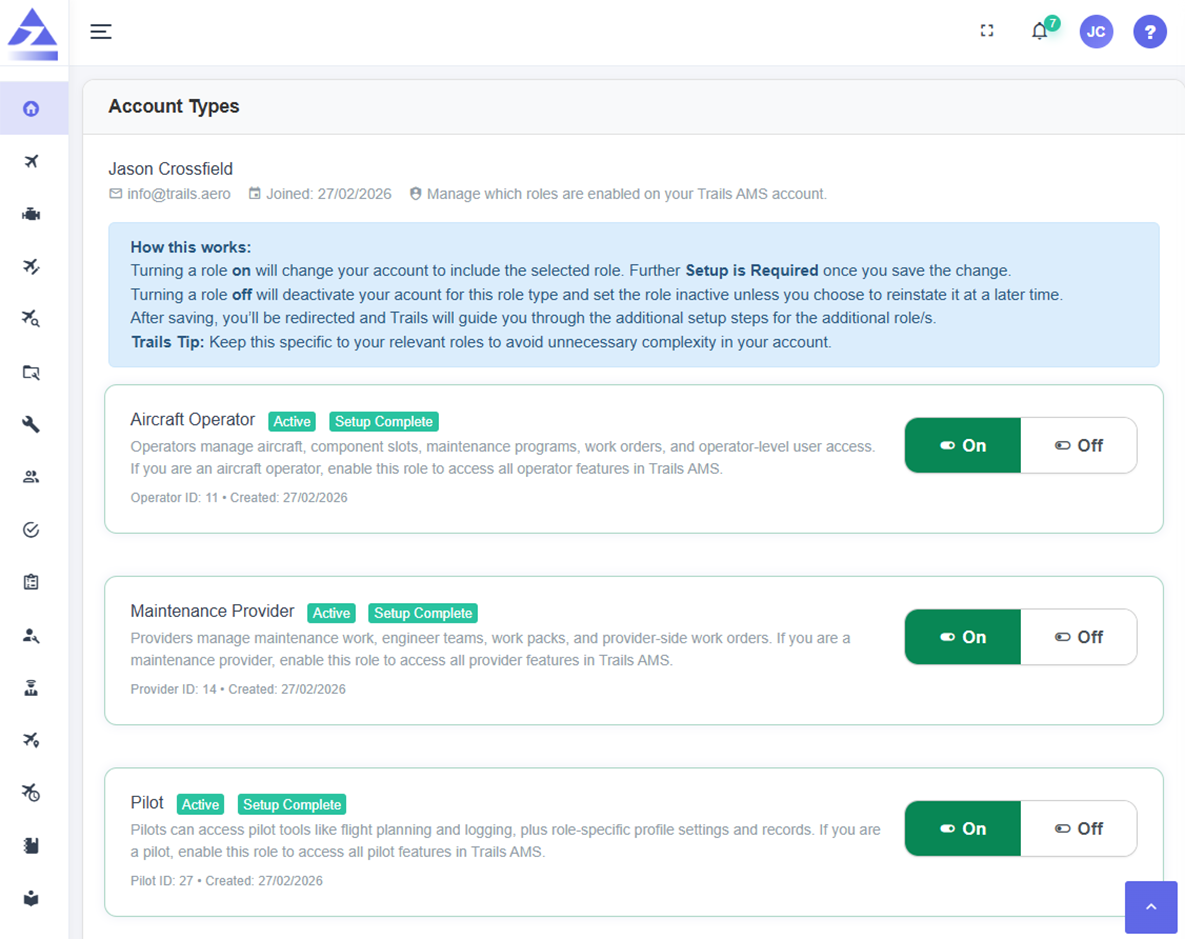
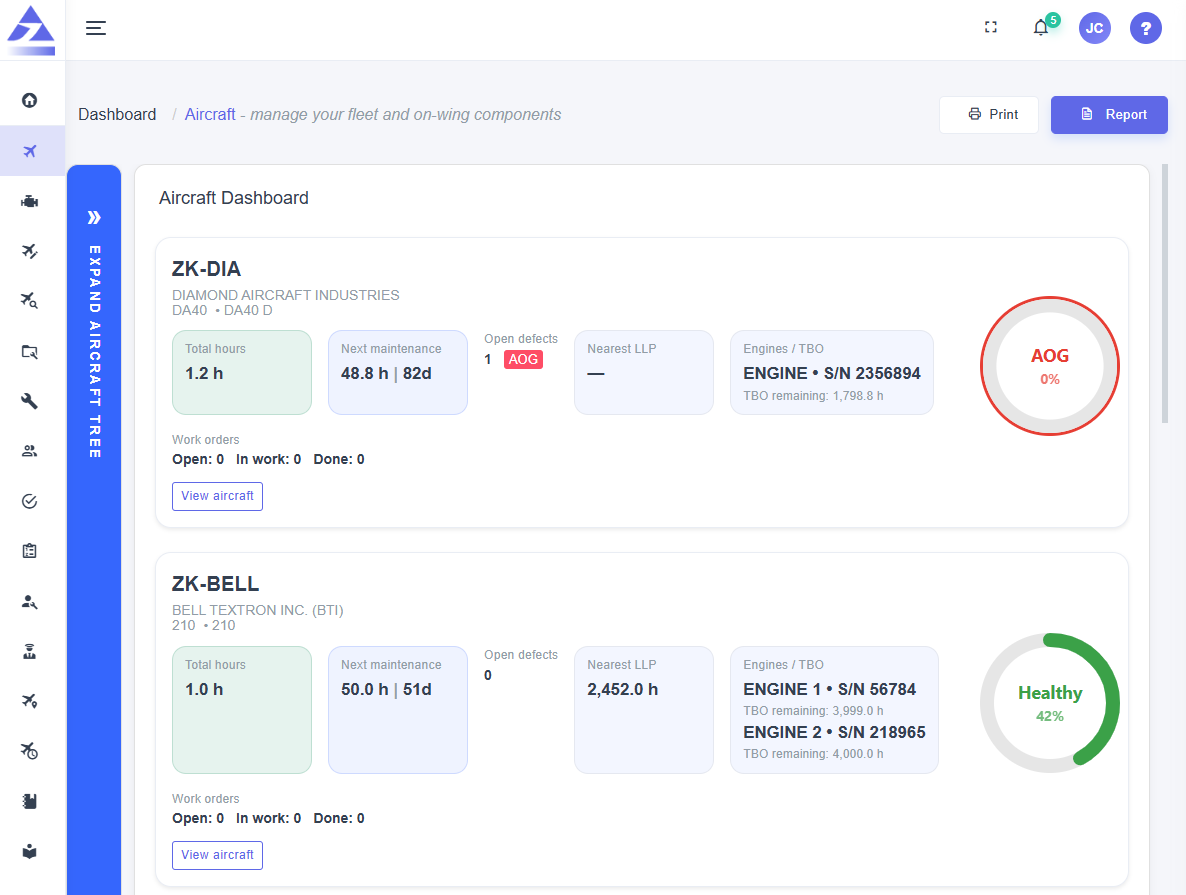
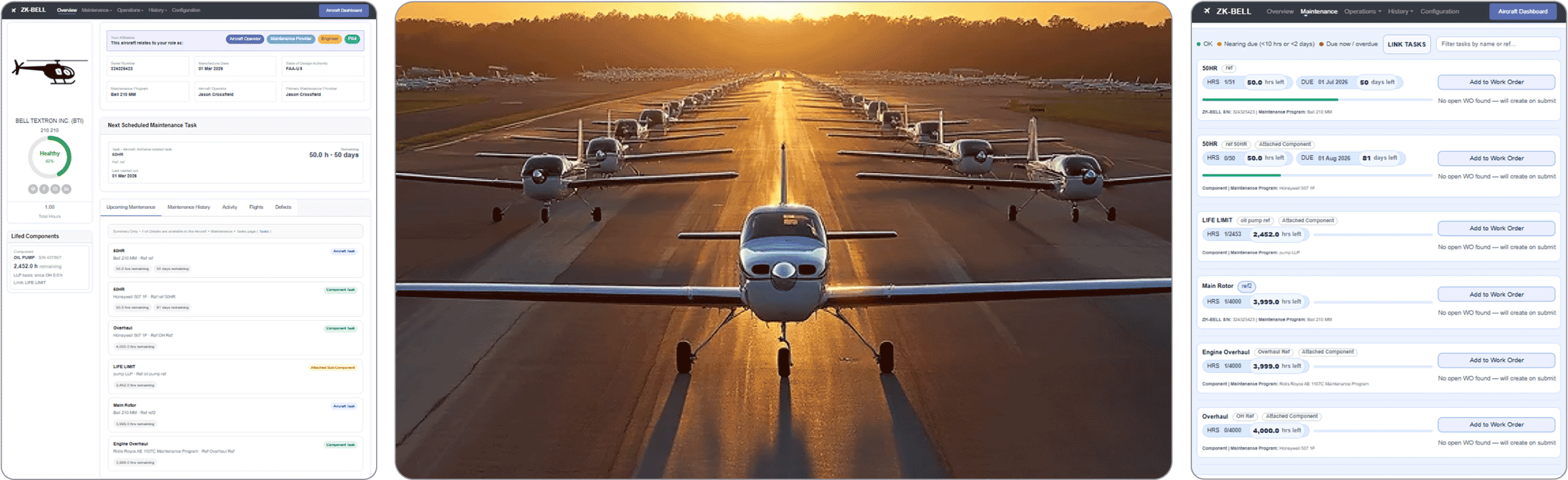
Trails AMS flight school maintenance software dashboard preview Trails AMS flight school maintenance software dashboard preview dark mode
Training fleet oversight

Flight schools need more than aircraft maintenance tracking

Training aircraft operate in a high-use environment where aircraft bookings, student pilot access, pre-flight planning, flight logging, defects and maintenance status all affect whether an aircraft should be dispatched. Trails AMS is designed to connect those workflows instead of separating them across multiple systems.

Student pilot accounts

Create student pilot accounts that support training activity today and can continue with pilots as they graduate and progress through their aviation careers.

Pilot aircraft access control

Control which pilots can access which aircraft, helping flight schools manage authorisations, training stage suitability and aircraft visibility.

Aircraft booking calendar

Manage aircraft bookings and availability with maintenance status, planned downtime and open defects visible to the operation.

Maintenance-aware operations

Connect flight activity, defects, aircraft status and maintenance requirements so aircraft dispatch decisions are better informed.
Pilot lifecycle

Student pilot accounts that can grow beyond graduation

Trails AMS is user-centric. A pilot account belongs to the person, not just the school. That means a student pilot account can support training activity today and remain useful as that pilot graduates, moves between operators, builds experience and continues their aviation career.

Start as a student pilot

Student pilots can use role-appropriate tools for flight planning, flight logging, defect reporting and pilot logbook records while connected to the flight school aircraft they are authorised to use.

icon
Student pilot accounts
icon
Training flight records
icon
Controlled access to school aircraft

Move with the pilot

Because the account is attached to the person, not only the organisation, the pilot can continue building their profile as they progress beyond the training environment.

icon
User-centric account model
icon
Pilot records remain associated with the pilot
icon
Supports career progression beyond graduation

Control aircraft access

Flight schools can manage which pilots can access aircraft data and workflows, helping keep student, instructor and operational access aligned with the aircraft they are permitted to use.

icon
Pilot aircraft access control
icon
Operator-managed visibility
icon
Role-based workflow permissions

Capture defects from operations

Pilots can raise defects through operational workflows so maintenance issues are visible, traceable and connected back to aircraft records and maintenance planning.

icon
Defect reporting at the source
icon
Open defect visibility
icon
Maintenance follow-up connected to aircraft status
Flight operations tools

Plan, fly, log and maintain training aircraft from connected workflows

Flight school software should support both aircraft and pilots. Trails AMS connects the pre-flight, flight logging and maintenance follow-up workflow so aircraft records stay current.

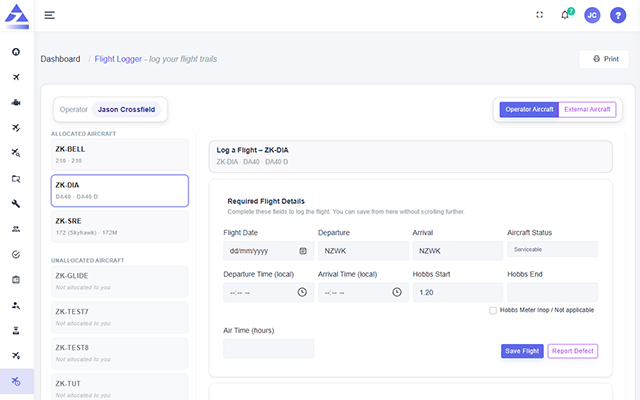
Pre-flight flight planner
icon
Pre-flight planning workflow
icon
Aircraft and pilot context
icon
Operational data connected to records

Support pre-flight planning workflows so pilots can prepare aircraft use through the same connected operational system that records aircraft activity.

Flight logging
icon
Aircraft flight activity
icon
Utilisation feeding maintenance tracking
icon
Pilot-linked flight records

Capture flight activity so aircraft utilisation, pilot records and maintenance triggers are kept current after each flight.

Pilot logbook
icon
Student pilot logbook records
icon
Career-continuing pilot account
icon
Flight history connected to the pilot

Maintain pilot logbook records so students and qualified pilots can build an ongoing record of their flight activity.

Aircraft booking calendar
icon
Booking and availability view
icon
Maintenance-aware scheduling
icon
Training fleet utilisation

Plan aircraft bookings while keeping maintenance status, open defects and downtime visible before aircraft are assigned.

Pilot aircraft access control
icon
Operator-managed access
icon
Student and pilot visibility
icon
Aircraft-specific permissions

Control which pilots can see and use specific aircraft workflows based on their role, authorisation or training environment.

Maintenance and defects
icon
Defect reporting
icon
Maintenance status visibility
icon
Work orders and evidence

Connect pilot-reported defects, maintenance status, work orders and conformance evidence back to the aircraft record.

Booking calendar + maintenance status

Aircraft booking decisions should include maintenance visibility

In a flight school, aircraft availability changes quickly. A booking calendar becomes more useful when aircraft status, upcoming maintenance, open defects and planned downtime are part of the same operational picture.

Book training aircraft

Plan aircraft bookings and scheduled flying while keeping aircraft maintenance status visible.

See defects before dispatch

Keep open defects linked to the aircraft so operational teams can see issues that may affect availability.

Activate maintenance work

Configured maintenance requirements can trigger work orders automatically when action is due.

Learn more about the aircraft booking calendar
Maintenance tracking

Keep training aircraft maintenance connected to flight activity

Flight schools need aircraft maintenance tracking that stays aligned with frequent flight activity, pilot defects, component status, provider work and conformance evidence.

Aircraft status visibility

See maintenance status, aircraft readiness, upcoming work, overdue items, open defects and component status before aircraft are assigned to flights.

icon
Aircraft readiness view
icon
Upcoming and overdue maintenance
icon
Defects linked to aircraft status

Work orders and provider work packs

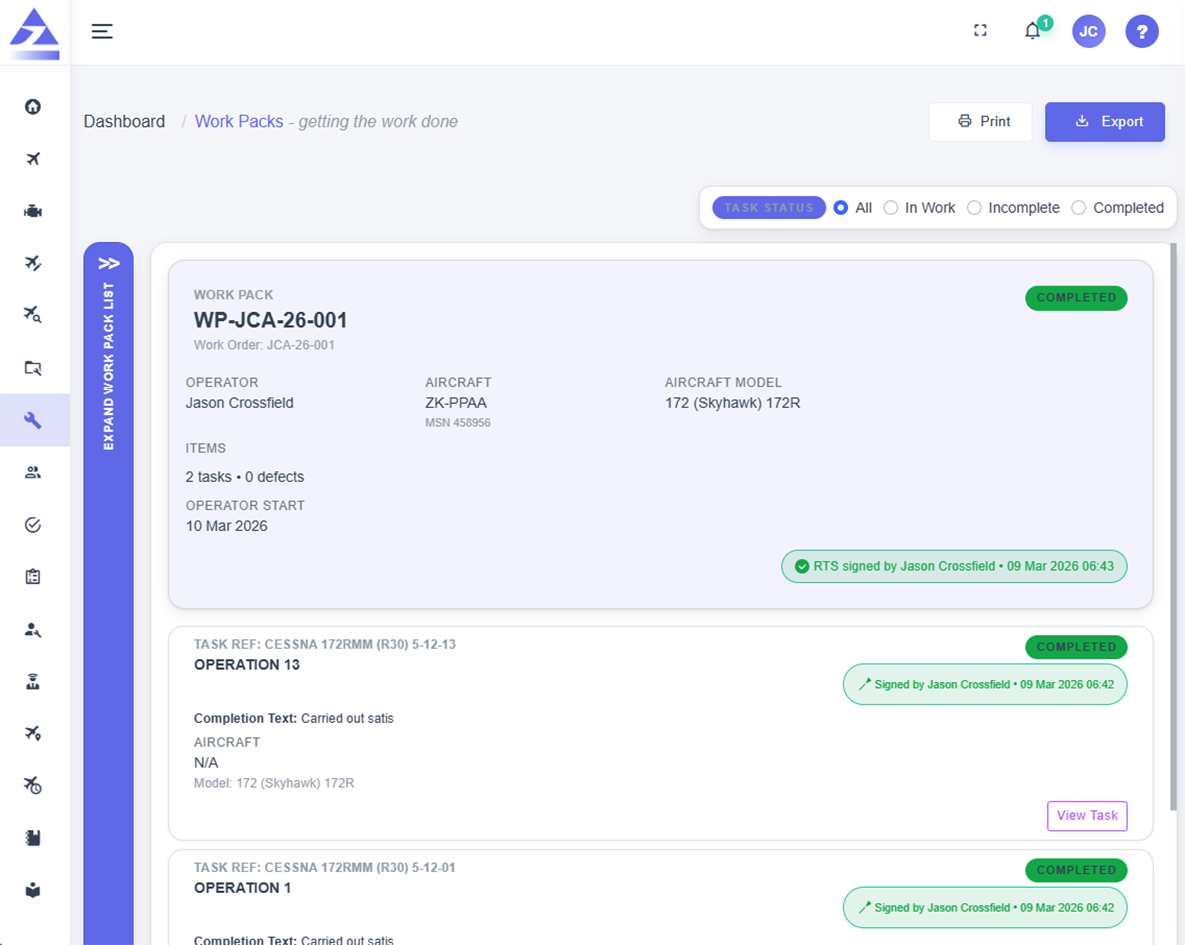
Create or automatically activate maintenance work orders and allow maintenance providers to turn authorised work into controlled work packs.

icon
Automatic work-order activation
icon
Provider work packs
icon
Engineer task sign-off

Aircraft and component records

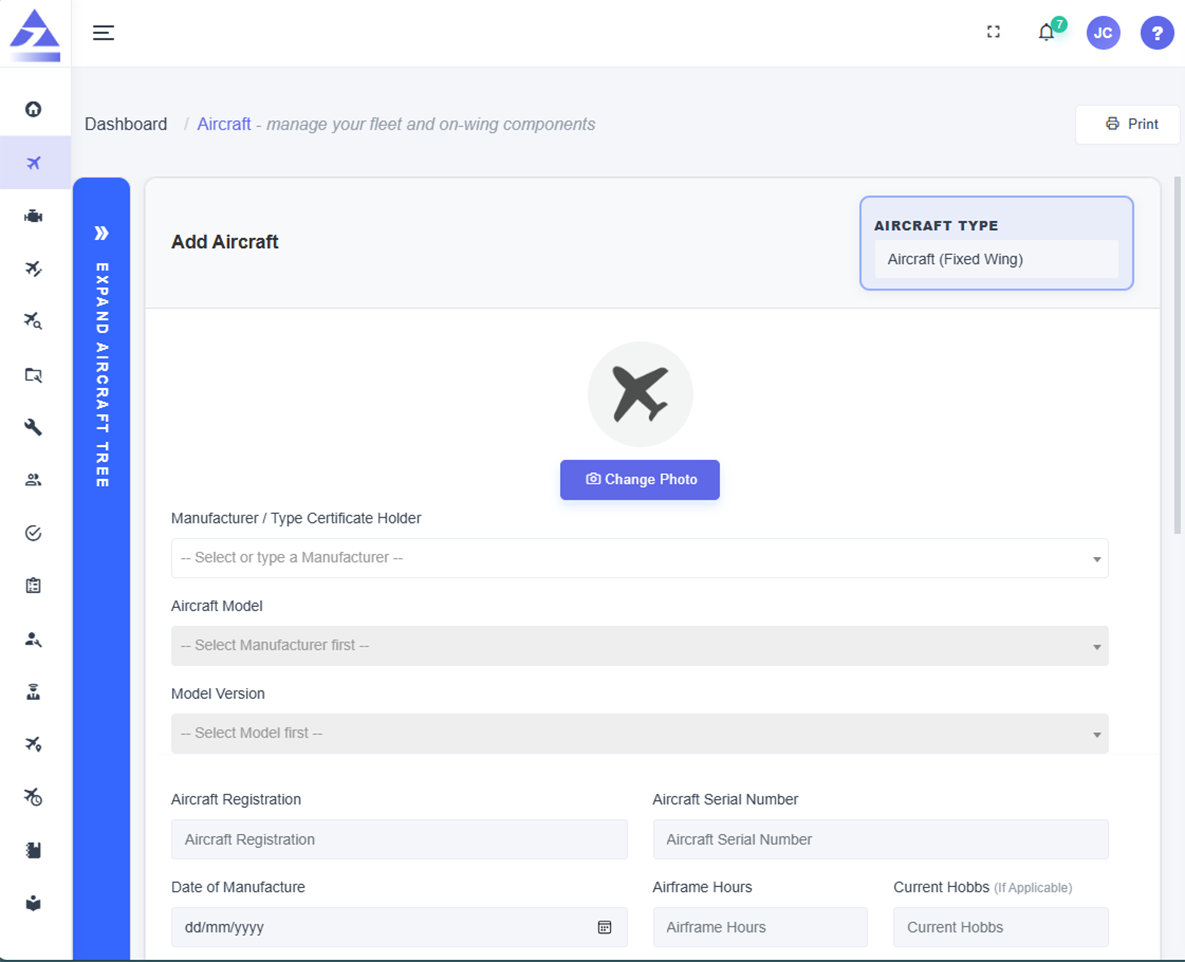
Track aircraft, engines, propellers, components, maintenance records and supporting documentation in a structured aircraft record.

icon
Aircraft and component tracking
icon
Fitment history
icon
Searchable records and evidence
Flight school software FAQ

Frequently asked questions

Can student pilots have their own accounts?

Yes. Trails AMS is designed around user accounts that belong to people, so student pilot accounts can support training and continue with pilots after graduation.

Can a flight school control aircraft access?

Yes. Flight schools can control which pilots are associated with aircraft and which aircraft workflows they can access.

Does Trails AMS support pre-flight planning?

Yes. Trails AMS supports pre-flight flight planning workflows as part of the connected pilot and aircraft operations toolset.

Does it support flight logging?

Yes. Pilot flight logging can capture aircraft use and keep utilisation, pilot records and maintenance triggers current.

Does Trails AMS include pilot logbook records?

Yes. Trails AMS supports pilot logbook workflows so students and qualified pilots can maintain flight activity records.

Does it include an aircraft booking calendar?

Yes. The aircraft booking calendar helps flight schools plan aircraft use with maintenance status, defects and downtime visible.

Can pilots raise defects?

Yes. Pilots can raise defects from operational workflows so issues are captured at the source and connected to aircraft maintenance records.

Does it still handle maintenance tracking?

Yes. Trails AMS tracks aircraft maintenance requirements, work orders, provider work packs, components, records and conformance evidence.

arrow icon launch icon mail icon

Bring aircraft bookings, maintenance tracking and compliance evidence into one connected platform

Register interest in Trails AMS and start a conversation about your private, training, charter, scenic, utility or small commercial aircraft operation.

Leave us with your email address and we'll be in touch with more information.