Automatic maintenance work orders

Let configured aircraft requirements activate maintenance work orders automatically

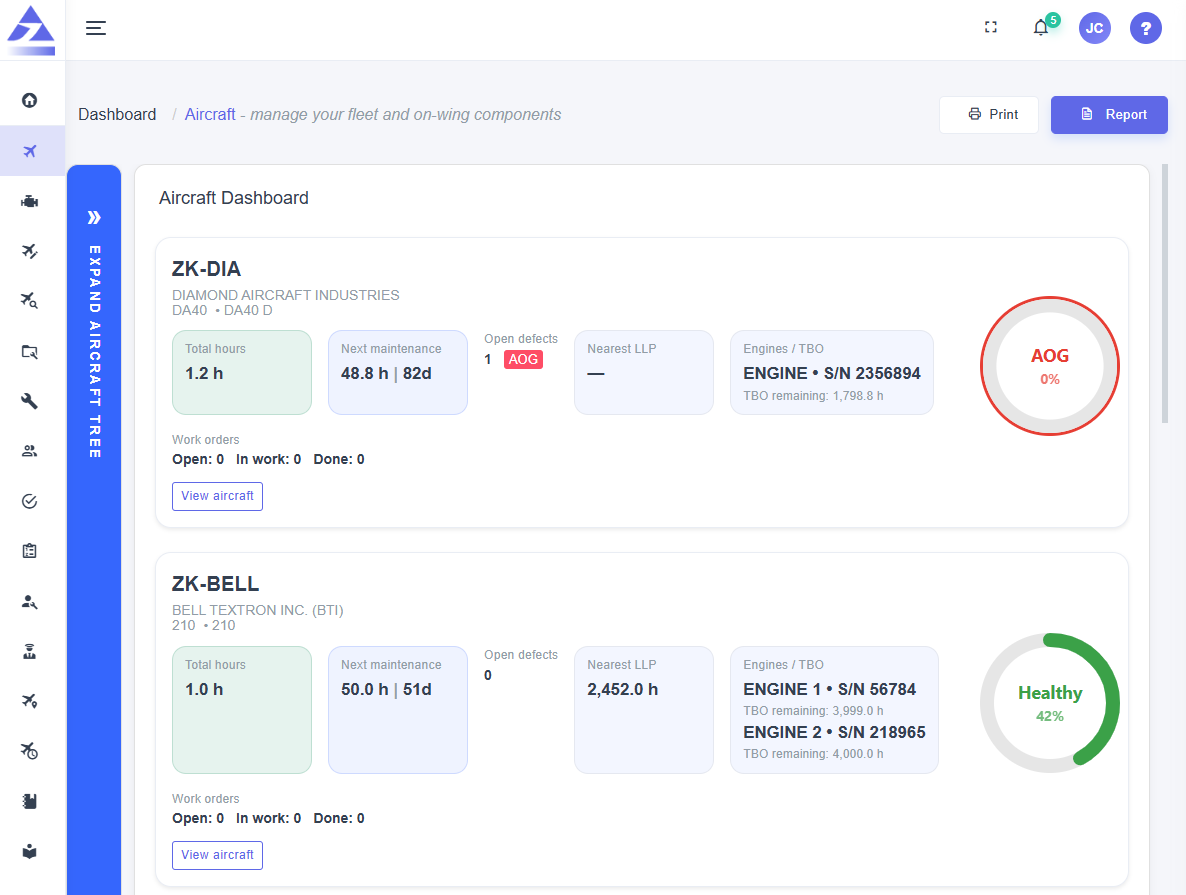
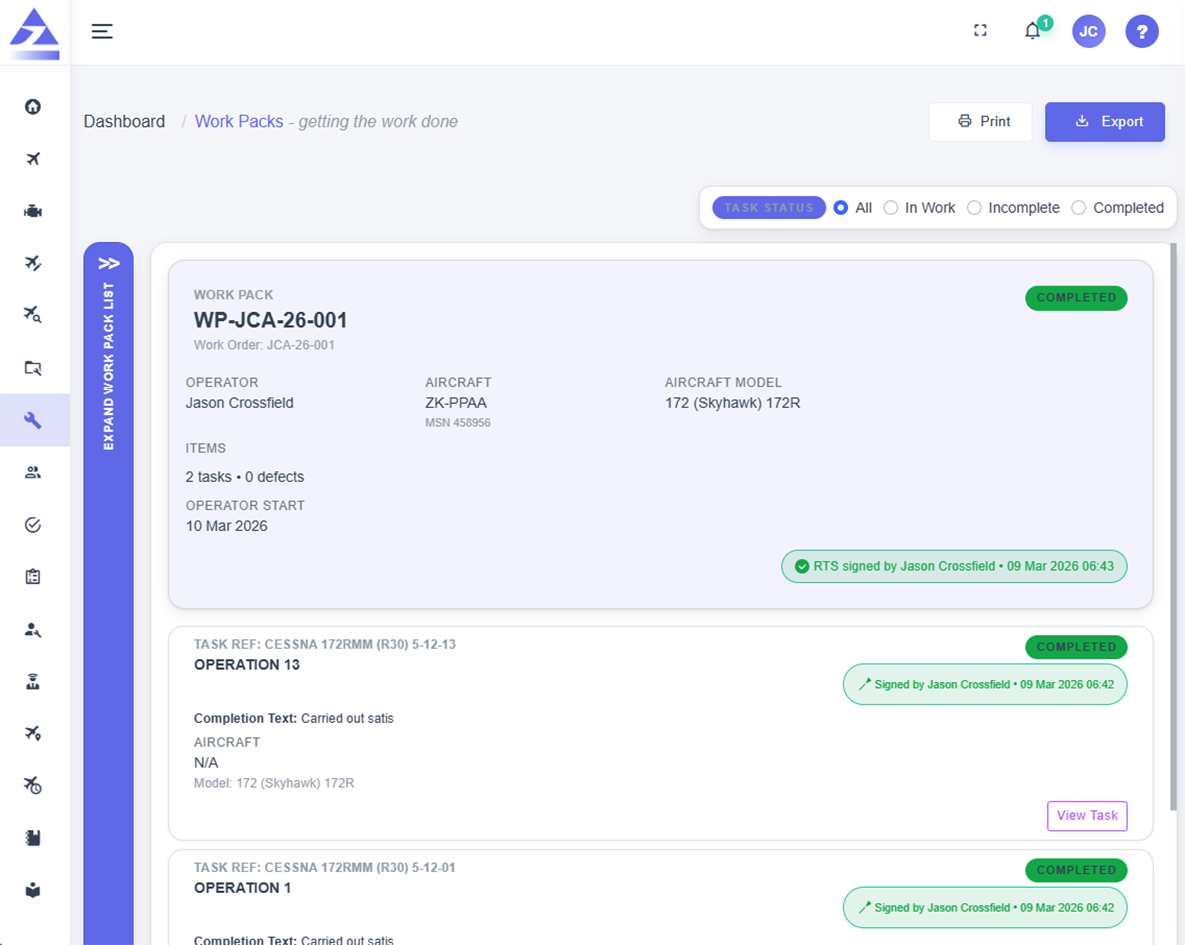
Trails AMS automated maintenance mode gives operators the option to automatically create work orders from configured aircraft requirements, threshold settings, defects and near-due maintenance tasks, then allocate the work to the aircraft default maintenance provider.

Trails AMS automatic maintenance work orders dashboard preview Trails AMS automatic maintenance work orders dashboard preview dark mode
Operator-controlled automation

Turn automated maintenance mode on when you want the system to start the workflow

Automated maintenance mode is controlled by the aircraft operator. It can be turned on or off depending on how the operator wants maintenance work orders to be created, reviewed and allocated.

Operator on/off control

Choose whether automated maintenance mode is active for the operator workflow instead of forcing automatic work-order creation.

Configurable thresholds

Set threshold percentages so work orders can include maintenance tasks that are approaching due status.

Defect inclusion

Include aircraft defects in created work orders when the operator wants defects captured in the maintenance package.

Provider allocation

Automatically allocate created work orders to the aircraft default maintenance provider.
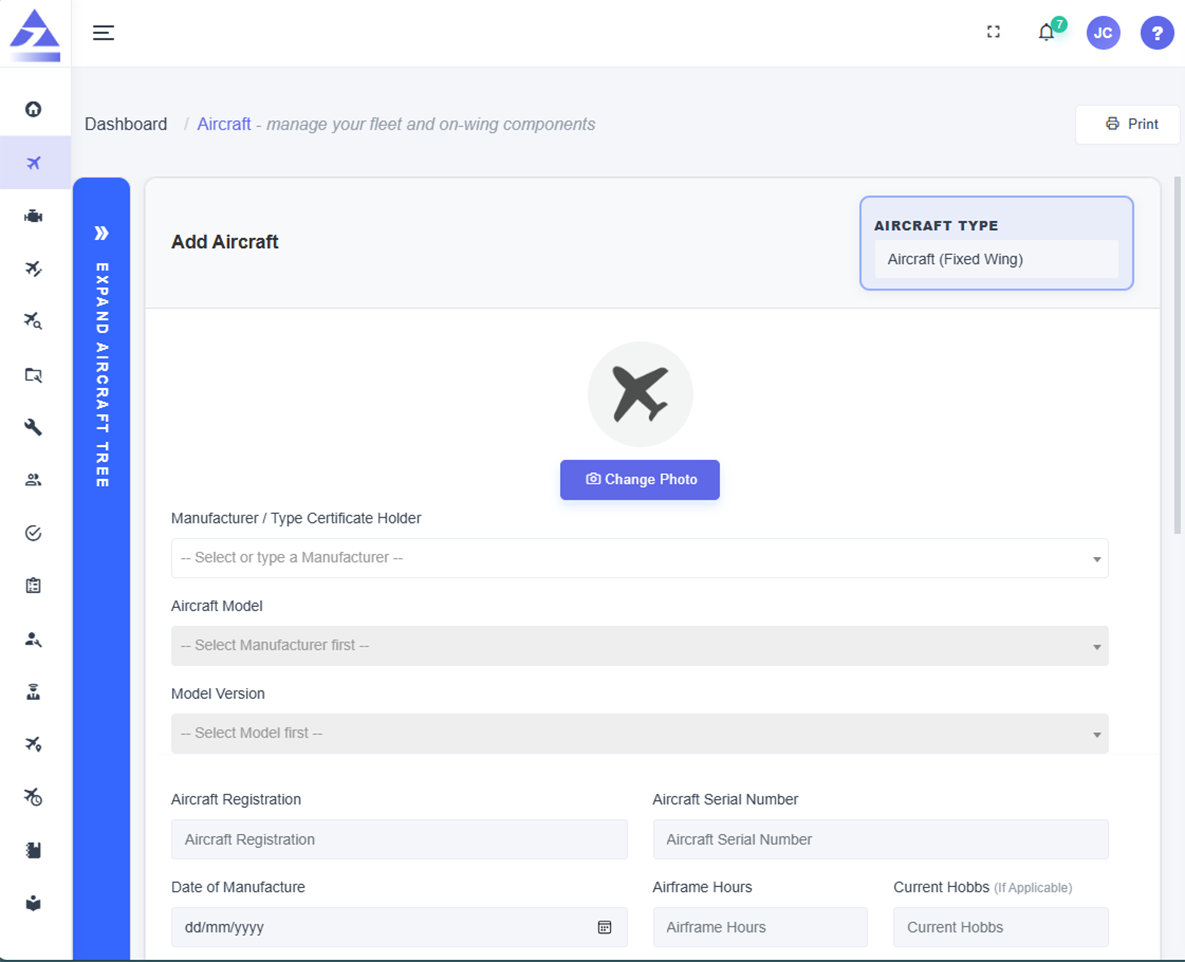
Automation workflow

From configured thresholds to provider-assigned work orders

The automated workflow is designed to reduce manual checking while keeping the operator in control of the automation settings that decide what is included.

Set the operator automation rules

Operators can configure automated maintenance mode settings, including whether automation is active and what threshold percentages should apply.

icon
Automated mode on or off
icon
Operator-defined threshold percentages
icon
Settings arranged around aircraft maintenance requirements

Find due and near-due maintenance

Trails AMS can use configured thresholds to include maintenance tasks that are due or near due based on counter or calendar requirements.

icon
Counter-based threshold requirements
icon
Calendar-based threshold requirements
icon
Near-due maintenance task inclusion

Include defects where required

Operators can include defects in created work orders so open aircraft issues are not separated from the maintenance package.

icon
Open defect inclusion
icon
Aircraft issue visibility
icon
Maintenance package context

Allocate work to the default provider

Created work orders can be automatically allocated to the aircraft default maintenance provider so the provider workflow can begin with less manual administration.

icon
Default maintenance provider allocation
icon
Provider-side work order visibility
icon
Work order flow ready for work packs
Automation settings

Key settings that shape each automatic work order

Automated maintenance mode is configurable so operators can decide how proactive the work-order creation should be and what information should be included.

Threshold percentages
icon
Operator-defined percentages
icon
Near-due task capture
icon
Proactive maintenance planning

Set threshold percentages to decide when near-due maintenance tasks should be included before they become fully due.

Counter requirements
icon
Counter-based due status
icon
Utilisation-aware thresholds
icon
Maintenance tasks included before due

Include tasks that fall within threshold counter requirements, such as hour-based or utilisation-based maintenance limits.

Calendar requirements
icon
Calendar due status
icon
Date-based thresholds
icon
Upcoming maintenance visibility

Include tasks that fall within threshold calendar requirements, helping operators plan date-based maintenance before the due date arrives.

Defect inclusion
icon
Open defects included
icon
Aircraft issues captured
icon
Defect follow-up connected to work orders

Choose whether defects should be included in automatically created work orders so open issues remain connected to the maintenance package.

Near-due tasks
icon
Due and near-due tasks
icon
Threshold-driven inclusion
icon
Reduced repeated maintenance visits

Pull near-due maintenance tasks into created work orders when they fall inside the configured threshold window.

Default provider allocation
icon
Aircraft default provider
icon
Automatic work allocation
icon
Provider workflow ready to begin

Automatically assign created work orders to the aircraft default maintenance provider to reduce manual routing.

Why operators use automation

Reduce manual checking while keeping maintenance work visible and controlled

Automatic maintenance work orders help operators move from passive due tracking to active maintenance preparation. The system can identify due and near-due work, include defects where configured, and route the work to the right provider.

Less manual follow-up

Reduce the need to repeatedly review lists, calendars and counters to decide when maintenance work should be started.

Better work packaging

Include due, near-due and defect items in the same work order where settings allow, supporting more complete maintenance planning.

Provider routing

Send automatically created work orders to the aircraft default maintenance provider so the provider workflow can begin sooner.

View the aircraft maintenance software page
Automatic work orders FAQ

Frequently asked questions

Can automated maintenance mode be turned off?

Yes. Automated maintenance mode is operator-controlled and can be turned on or off depending on the operator workflow.

Can operators set thresholds?

Yes. Operators can configure threshold percentages to decide when near-due maintenance tasks should be included.

Does it support counter requirements?

Yes. Tasks can be included when they fall within threshold counter requirements, such as hour-based or utilisation-based limits.

Does it support calendar requirements?

Yes. Tasks can be included when they fall within threshold calendar requirements.

Can defects be included?

Yes. Operators can choose to include defects in automatically created work orders.

Can near-due tasks be included?

Yes. Near-due maintenance tasks can be included when they fall within configured threshold settings.

Can work orders be allocated automatically?

Yes. Created work orders can be automatically allocated to the aircraft default maintenance provider.

Who controls the automation?

The aircraft operator controls whether automated maintenance mode is active and how the automation settings are configured.

arrow icon launch icon mail icon

Bring aircraft bookings, maintenance tracking and compliance evidence into one connected platform

Register interest in Trails AMS and start a conversation about your private, training, charter, scenic, utility or small commercial aircraft operation.

Leave us with your email address and we'll be in touch with more information.